mirror of
https://github.com/BeamMP/Docs.git
synced 2026-04-06 16:06:06 +00:00

163 lines
8.6 KiB
Markdown
163 lines
8.6 KiB
Markdown
!!! внимание "Этот сайт находится в стадии разработки!"
|
||
|
||
```
|
||
Над этим сайтом ведется активная работа.
|
||
|
||
Чувствуете, что можете помочь? Пожалуйста, сделайте это, нажав на страницу с карандашом справа!
|
||
|
||
Это можно сделать на любой странице.
|
||
```
|
||
|
||
# Фрагменты BeamNG.drive
|
||
|
||
## Фрагменты кода Lua
|
||
|
||
### Рисование маркера и обнаружение транспортного средства
|
||
|
||
Нанесение маркеров на карту может быть одним из лучших способов указать пользователю на то, что там есть какая-то форма взаимодействия, которую он может осуществить.
|
||
|
||
Нарисовать маркер довольно просто. Вот пример того, как рисуется маркер автобусного маршрута:
|
||
|
||
```Lua
|
||
local function createBusMarker(markerName)
|
||
local marker = createObject('TSStatic')
|
||
marker:setField('shapeName', 0, "art/shapes/interface/position_marker.dae")
|
||
marker:setPosition(vec3(0, 0, 0))
|
||
marker.scale = vec3(1, 1, 1)
|
||
marker:setField('rotation', 0, '1 0 0 0')
|
||
marker.useInstanceRenderData = true
|
||
marker:setField('instanceColor', 0, '1 1 1 0')
|
||
marker:setField('collisionType', 0, "Collision Mesh")
|
||
marker:setField('decalType', 0, "Collision Mesh")
|
||
marker:setField('playAmbient', 0, "1")
|
||
marker:setField('allowPlayerStep', 0, "1")
|
||
marker:setField('canSave', 0, "0")
|
||
marker:setField('canSaveDynamicFields', 0, "1")
|
||
marker:setField('renderNormals', 0, "0")
|
||
marker:setField('meshCulling', 0, "0")
|
||
marker:setField('originSort', 0, "0")
|
||
marker:setField('forceDetail', 0, "-1")
|
||
marker.canSave = false
|
||
marker:registerObject(markerName)
|
||
scenetree.MissionGroup:addObject(marker)
|
||
return marker
|
||
end
|
||
|
||
-- Это затем можно вызывать в цикле для настройки ваших маркеров.
|
||
-- ПРИМЕЧАНИЕ: Делать это следует только один раз в процессе инициализации, а не на каждом кадре.
|
||
if #markers == 0 then
|
||
for k,v in pairs(nameMarkers) do
|
||
local mk = scenetree.findObject(v)
|
||
if mk == nil then
|
||
log('I', logTag,'Creating marker '..tostring(v))
|
||
mk = createBusMarker(v)
|
||
ScenarioObjectsGroup:addObject(mk.obj)
|
||
end
|
||
table.insert(markers, mk)
|
||
end
|
||
end
|
||
```
|
||
|
||
Вот пример пользовательского маркера от [BeamNG-FuelStations](https://github.com/BeamMP/BeamNG-FuelStations/tree/master) :
|
||
|
||
```Lua
|
||
local stations = [
|
||
{ "location": [ -778.813, 485.973, 23.46 ], "type":"gas" },
|
||
{ "location": [ 617.164, -192.107, 53.2 ], "type":"ev" },
|
||
]
|
||
|
||
local function IsEntityInsideArea(pos1, pos2, radius)
|
||
return pos1:distance(pos2) < radius
|
||
end
|
||
|
||
local onUpdate = function (dt)
|
||
for k, spot in pairs(stations) do -- loop through all spots on the current map
|
||
local bottomPos = vec3(spot.location[1], spot.location[2], spot.location[3])
|
||
local topPos = bottomPos + vec3(0,0,2) -- offset vec to get top position (2m tall)
|
||
|
||
local spotInRange = false -- is this spot in range? used for color
|
||
local spotCompatible = false -- is this spot compatible?
|
||
|
||
if activeVeh then -- we have a car and its ours (if in mp)
|
||
local vehPos = activeVeh:getPosition()
|
||
|
||
spotInRange = IsEntityInsideArea(vec3(vehPos.x, vehPos.y,vehPos.z), bottomPos, 1.5)
|
||
|
||
spotCompatible = activeFuelType == "any" or spot.type == "any" or activeFuelType == spot.type
|
||
end
|
||
|
||
local spotColor = (spotInRange and spotCompatible) and activeColorMap[spot.type] or inactiveColorMap[spot.type] or ColorF(1,1,1,0.5)
|
||
|
||
debugDrawer:drawCylinder(bottomPos:toPoint3F(), topPos:toPoint3F(), 1, spotColor) --bottom, top, radius, color
|
||
end
|
||
end
|
||
```
|
||
|
||
### Примеры использования guihooks
|
||
|
||
#### Уведомления-подсказки, в правом верхнем углу экрана
|
||
|
||

|
||
|
||
```lua
|
||
--guihooks.trigger('toastrMsg', {type, title, msg, config = {timeOut}})
|
||
guihooks.trigger('toastrMsg', {type = "info", title = "Info Message:", msg = "Info Message Text Here", config = {timeOut = 5000}})
|
||
guihooks.trigger('toastrMsg', {type = "warning", title = "Warning Message:", msg = "Warning Message Text Here", config = {timeOut = 5000}})
|
||
guihooks.trigger('toastrMsg', {type = "error", title = "Error Message:", msg = "Error Message Text Here", config = {timeOut = 5000}})
|
||
```
|
||
|
||
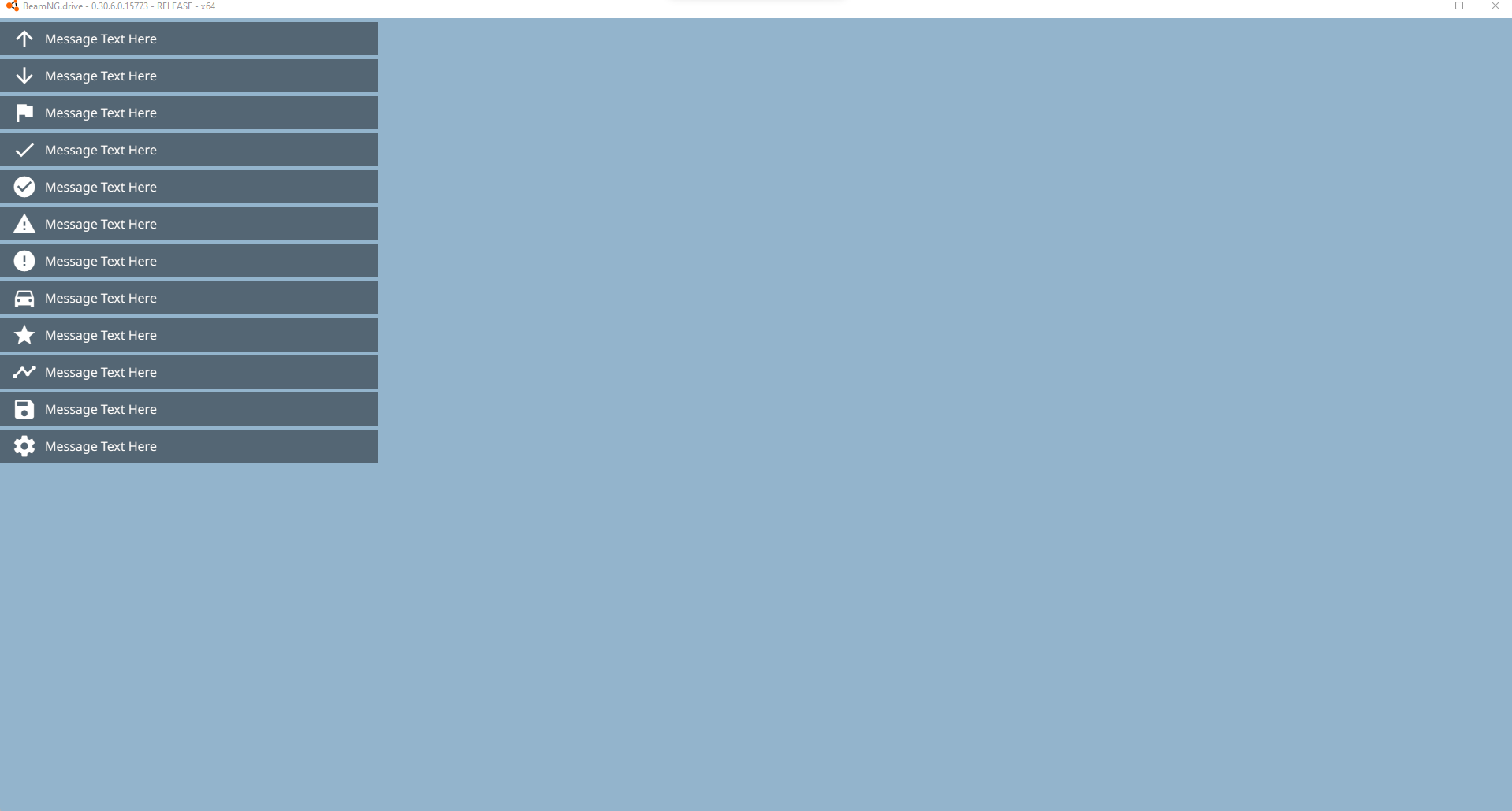
#### Уведомления о сообщениях, по умолчанию в левом верхнем углу экрана в приложении «Сообщения»
|
||
|
||
|
||
|
||
```lua
|
||
--guihooks.trigger('Message', {msg, ttl, category, icon}) --requires Messages app
|
||
guihooks.trigger('Message', {msg = "Message Text Here", ttl = 5.0, category = "arrow_upward", icon = "arrow_upward"})
|
||
guihooks.trigger('Message', {msg = "Message Text Here", ttl = 5.0, category = "arrow_downward", icon = "arrow_downward"})
|
||
guihooks.trigger('Message', {msg = "Message Text Here", ttl = 5.0, category = "flag", icon = "flag"})
|
||
guihooks.trigger('Message', {msg = "Message Text Here", ttl = 5.0, category = "check", icon = "check"})
|
||
guihooks.trigger('Message', {msg = "Message Text Here", ttl = 5.0, category = "check_circle", icon = "check_circle"})
|
||
guihooks.trigger('Message', {msg = "Message Text Here", ttl = 5.0, category = "warning", icon = "warning"})
|
||
guihooks.trigger('Message', {msg = "Message Text Here", ttl = 5.0, category = "error", icon = "error"})
|
||
guihooks.trigger('Message', {msg = "Message Text Here", ttl = 5.0, category = "directions_car", icon = "directions_car"})
|
||
guihooks.trigger('Message', {msg = "Message Text Here", ttl = 5.0, category = "star", icon = "star"})
|
||
guihooks.trigger('Message', {msg = "Message Text Here", ttl = 5.0, category = "timeline", icon = "timeline"})
|
||
guihooks.trigger('Message', {msg = "Message Text Here", ttl = 5.0, category = "save", icon = "save"})
|
||
guihooks.trigger('Message', {msg = "Message Text Here", ttl = 5.0, category = "settings", icon = "settings"})
|
||
```
|
||
|
||
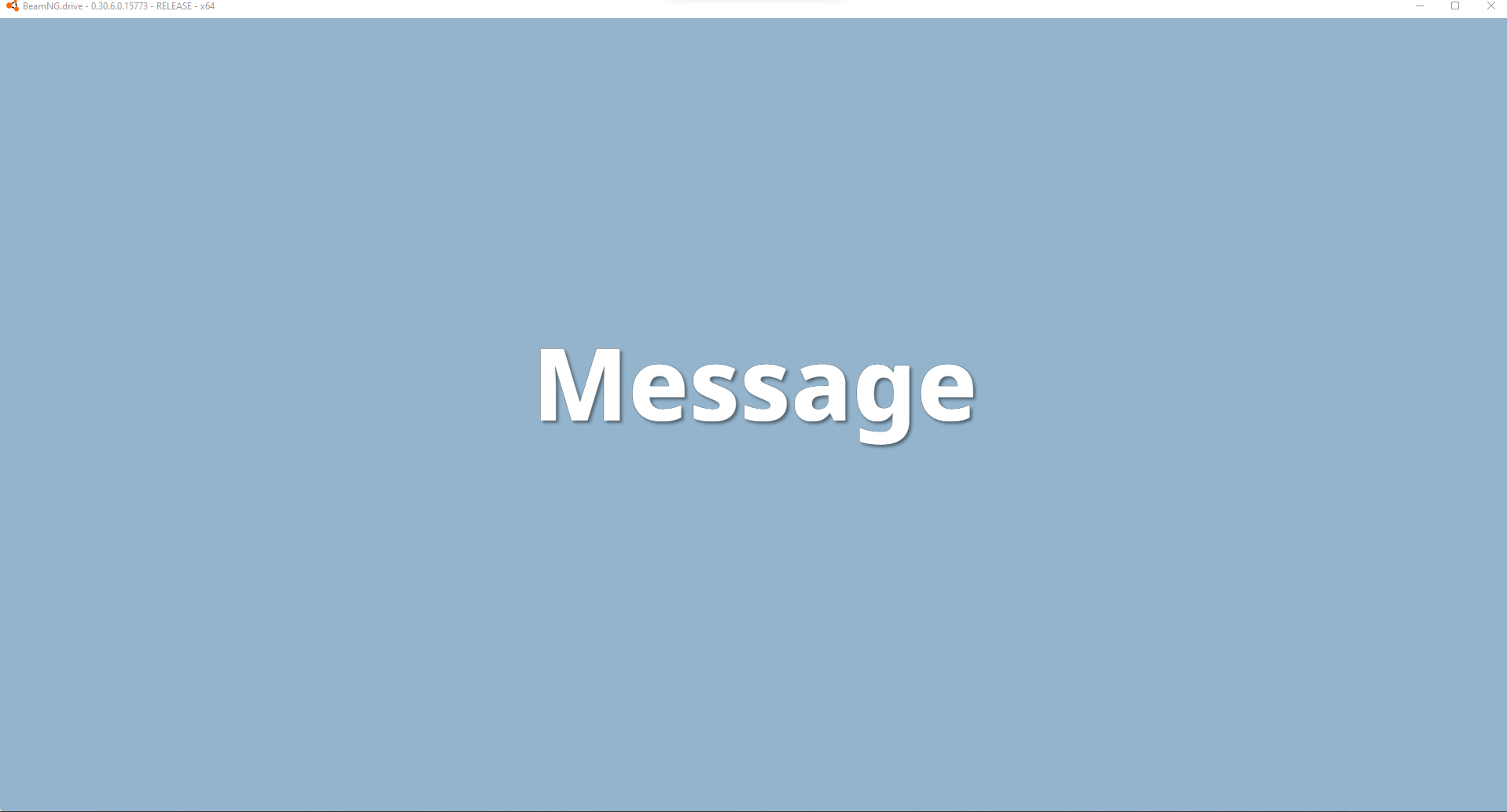
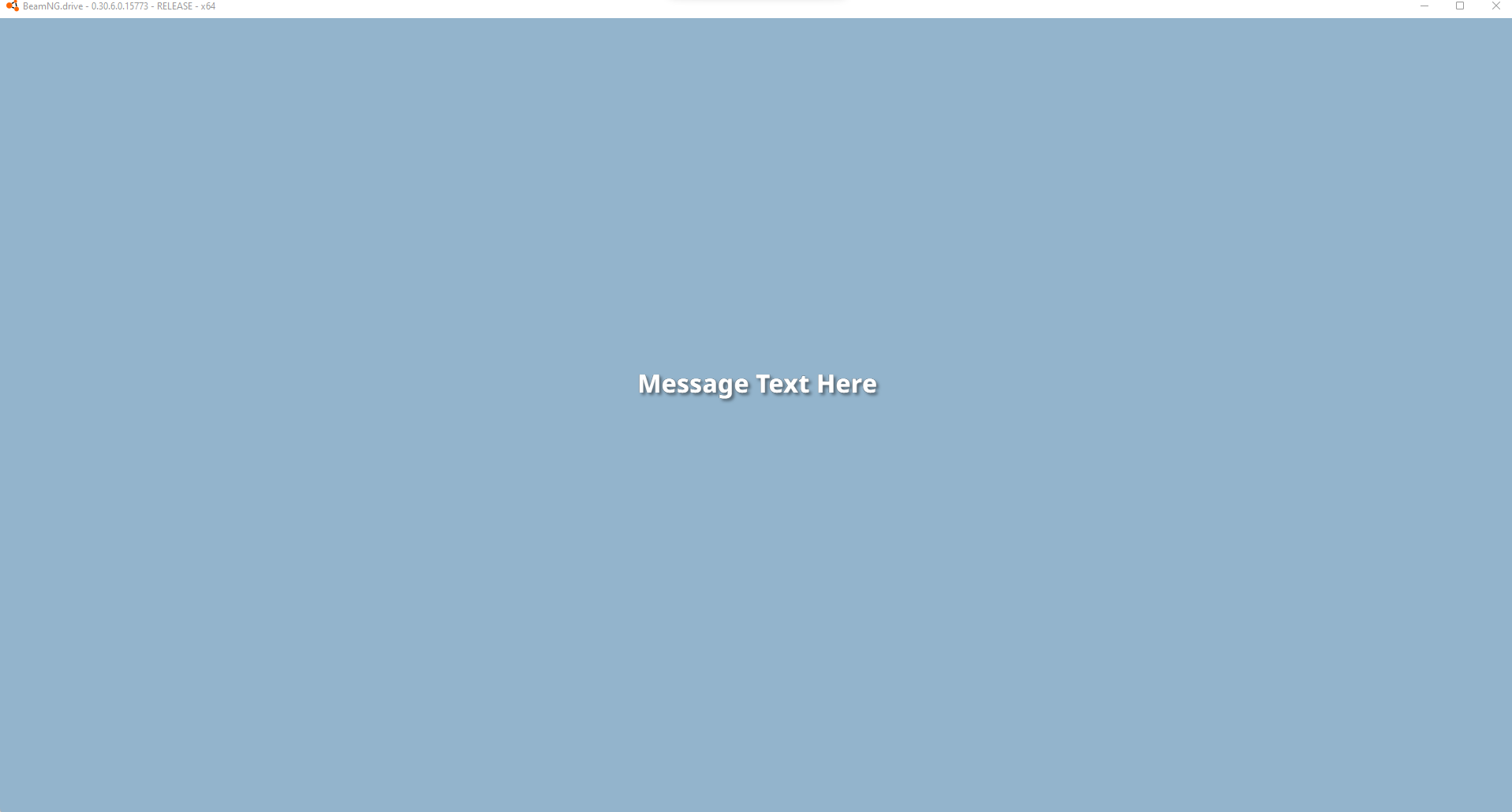
#### Центрировать уведомление на большом или маленьком дисплее
|
||
|
||
|
||
|
||
```lua
|
||
--guihooks.trigger('ScenarioFlashMessage', {{msg, ttl, sound, big}} ) -- requires RaceCountdown ui app
|
||
guihooks.trigger('ScenarioFlashMessage', {{"Message", 5.0, 0, true}} )
|
||
guihooks.trigger('ScenarioFlashMessage', {{"Message Text Here", 5.0, 0, false}} )
|
||
|
||
-- Пример обратного отсчёта: когда все выполняются одновременно, элементы ставятся в очередь и будут следовать друг за другом после истечения предыдущего ttl
|
||
guihooks.trigger('ScenarioFlashMessage', {{"3", 1.0, "Engine.Audio.playOnce('AudioGui', 'event:UI_Countdown1')", true}})
|
||
guihooks.trigger('ScenarioFlashMessage', {{"2", 1.0, "Engine.Audio.playOnce('AudioGui', 'event:UI_Countdown2')", true}})
|
||
guihooks.trigger('ScenarioFlashMessage', {{"1", 1.0, "Engine.Audio.playOnce('AudioGui', 'event:UI_Countdown3')", true}})
|
||
guihooks.trigger('ScenarioFlashMessage', {{"GO!", 3.0, "Engine.Audio.playOnce('AudioGui', 'event:UI_CountdownGo')", true}})
|
||
|
||
-- другой пример звука
|
||
guihooks.trigger('ScenarioFlashMessage', {{"Teleported!", 3.0, "Engine.Audio.playOnce('AudioGui', 'event:UI_Checkpoint')", false}})
|
||
```
|
||
|
||
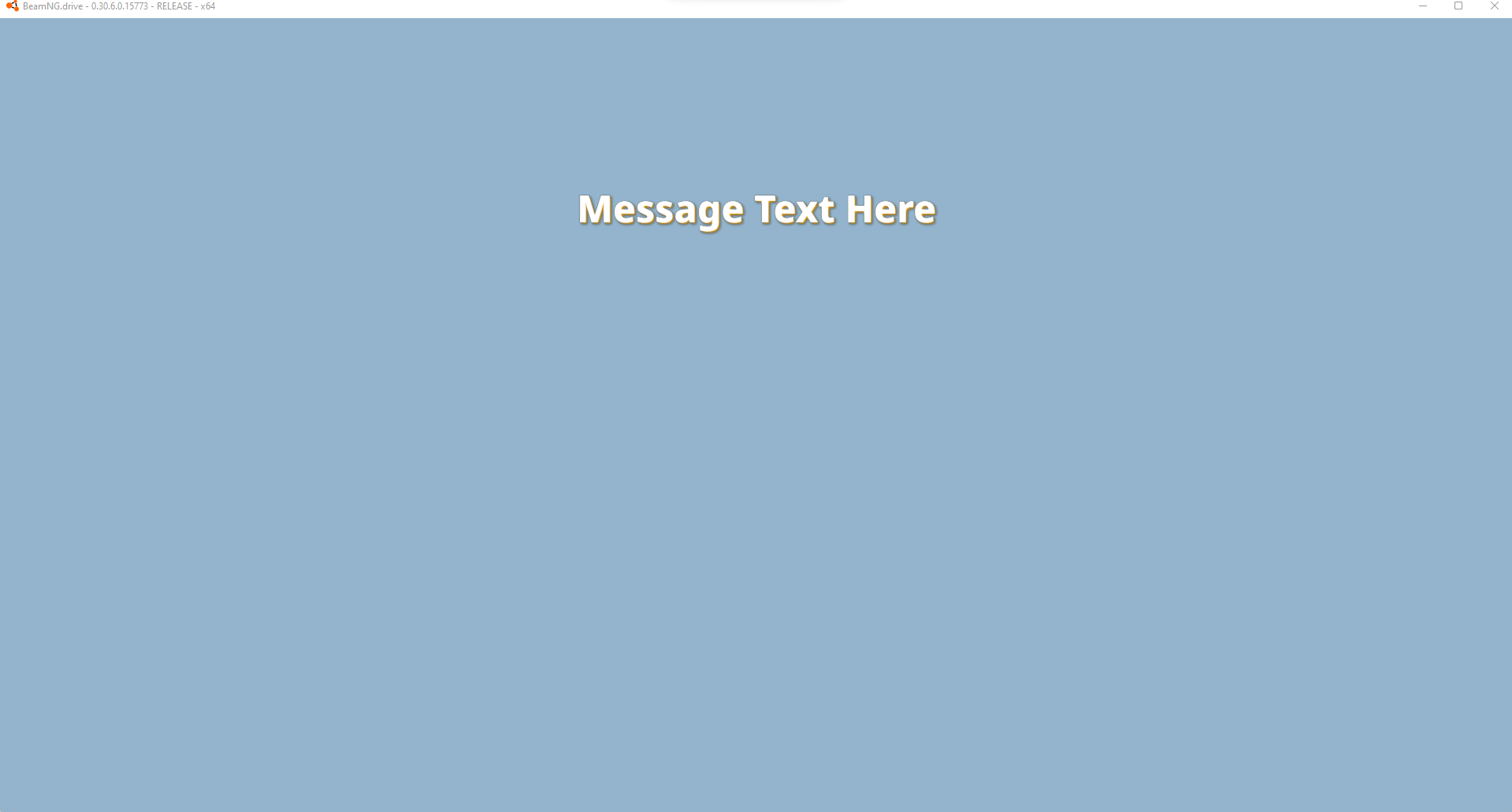
#### Центральный постоянный дисплей среднего размера
|
||
|
||
|
||
|
||
```lua
|
||
--guihooks.trigger('ScenarioRealtimeDisplay', {msg = msg} ) -- requires Race Realtime Display ui app
|
||
guihooks.trigger('ScenarioRealtimeDisplay', {msg = "Message Text Here"} )
|
||
--these messages persist, clear with a blank string
|
||
--if you are running live data, this is a good one to update rapidly (think timers, distance calcs, et cetera)
|
||
guihooks.trigger('ScenarioRealtimeDisplay', {msg = ""} )
|
||
```
|
||
|
||
## Фрагменты кода IMGUI
|
||
|
||
## Фрагменты кода пользовательского интерфейса CEF
|